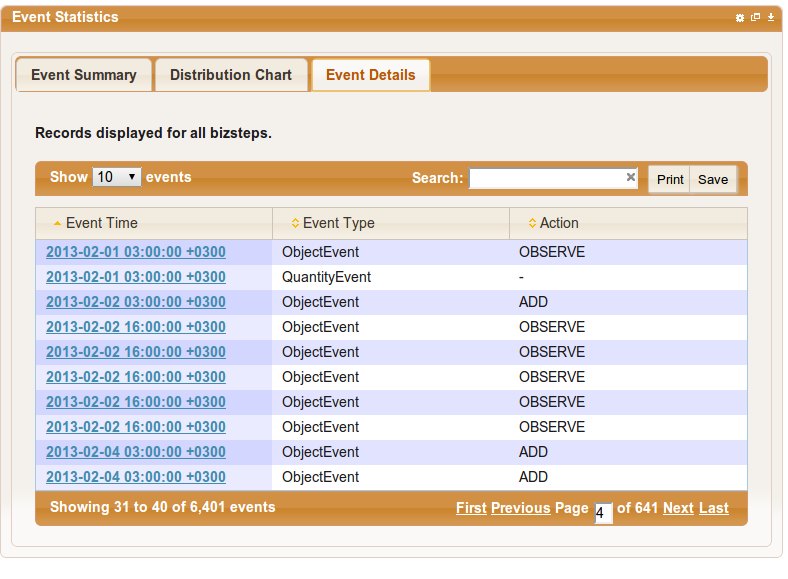
The user preferences page allows you to change a variety of system wide settings to your liking. Currently only the date format used across the application can be changed. The default date format used is YYYY-MM-DDThh:mm:ss TZ (eg 1997-07-16 19:20:30.45 +01:00) as defined by the ISO 8601 standard as shown below.
To change the date format, click on the user link icon as shown below.
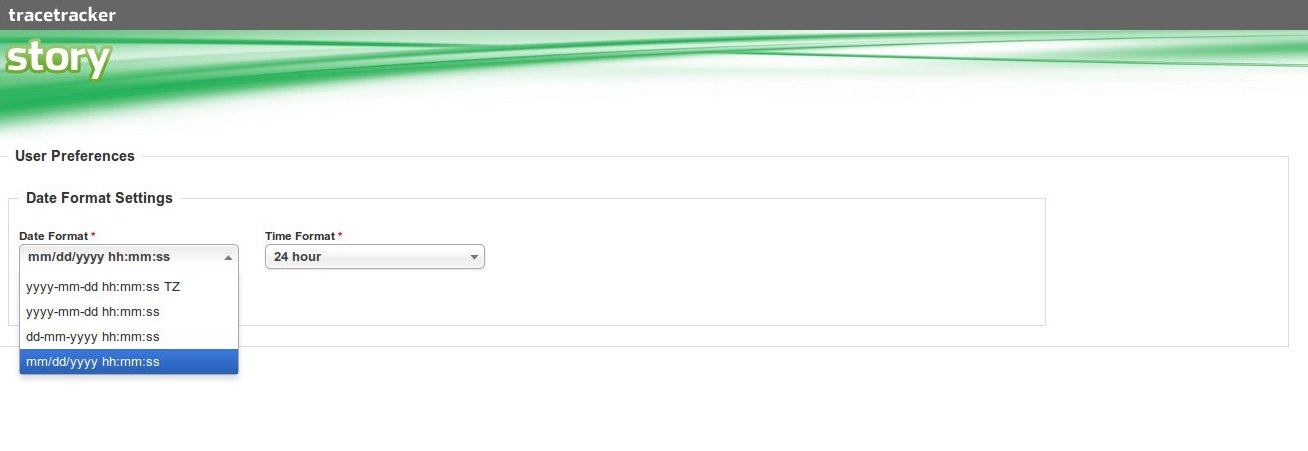
Once you are on the user preferences page, select the date format you would like to use.
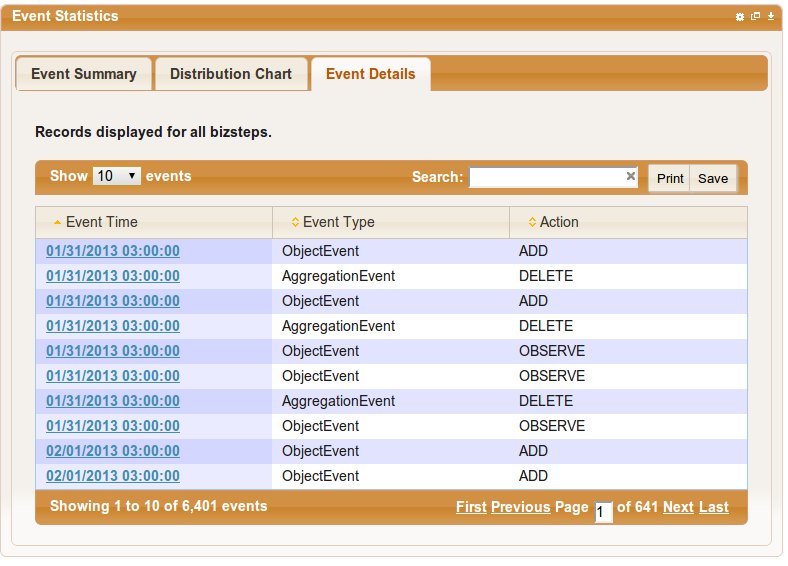
Once you have selected your preferred date format, click save and once you navigate back to your dashboard, you will see the new format applied.