Forgot Password Page
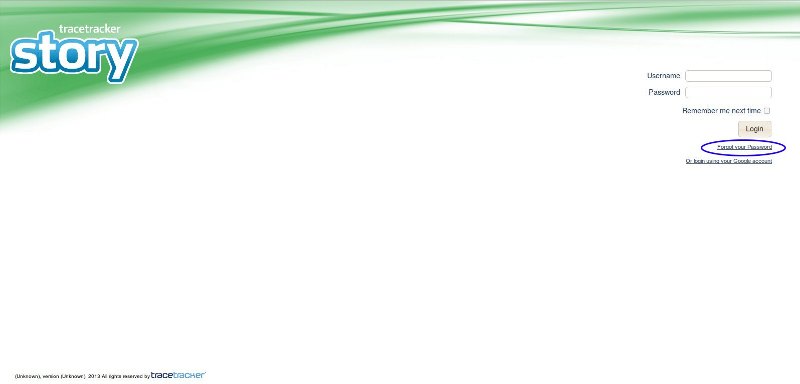
In the event that you have forgotten your password, click on the forgot password page as shown below.
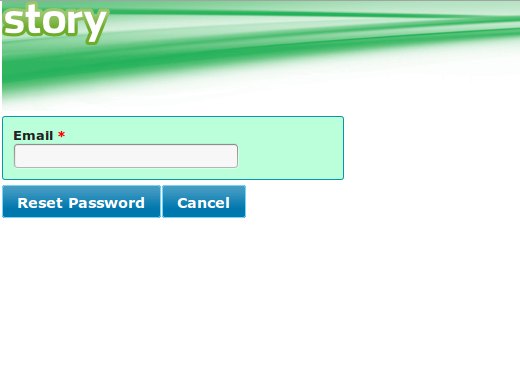
On the forgot password page you will be required to enter your email address and once you click on the "Reset Password" button, an email that has instruction on how to change your password will be sent. Clicking the "Reset" button will redirect you to the login page.
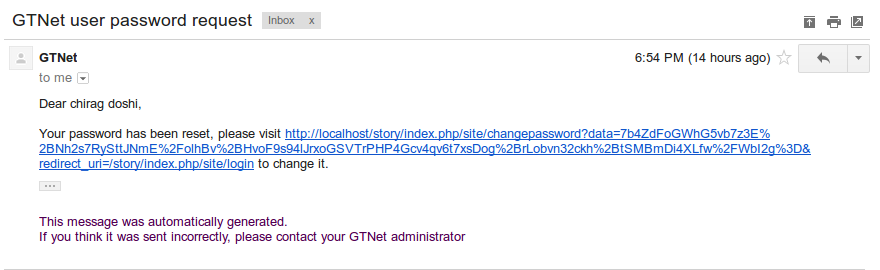
The email will be similar to the one shown below
Note
The reset password link expires after 24 hours
Once you have clicked on the link provided in the email, you will be required to change your password as shown below. We recommend you use a password that has at least medium strength.
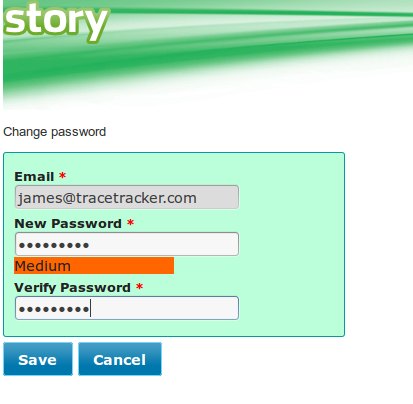
Once you have clicked on the "Save" button, you will be redirected to the login page where you can proceed to login with your new password.
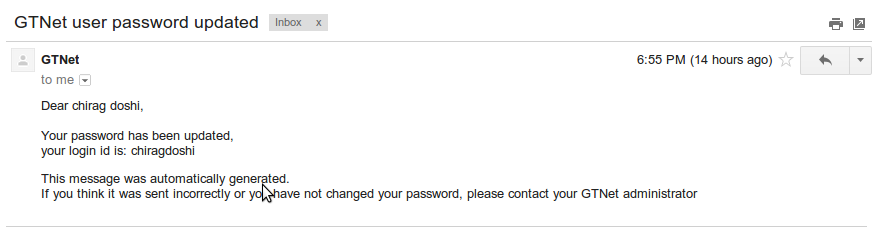
An email will be sent as information that your password was updated. Example of email:
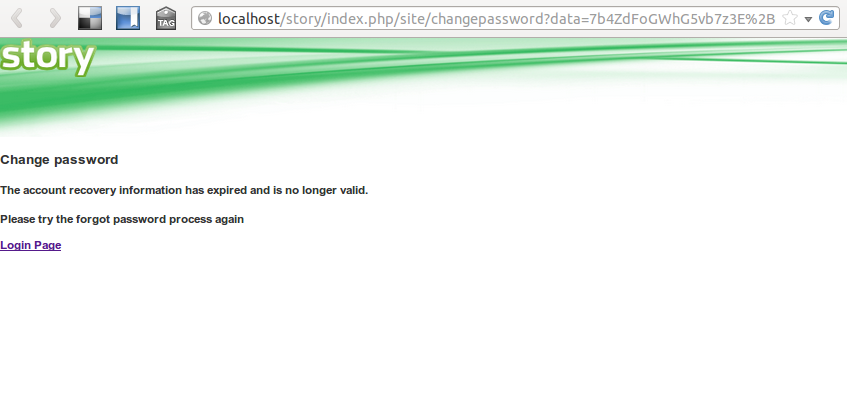
If your are presented with a message like the one shown below, it means that the link has expired or the link is invalid and you should go to the forgot password page and enter your email address in order to receive another reset password link
If the data parameter is not available the page will redirect to the login page.