
User Activity Widget
Widget Guide
This widget can be loaded from the management section of the widget directory. Once loaded the widget will have five columns as shown below.
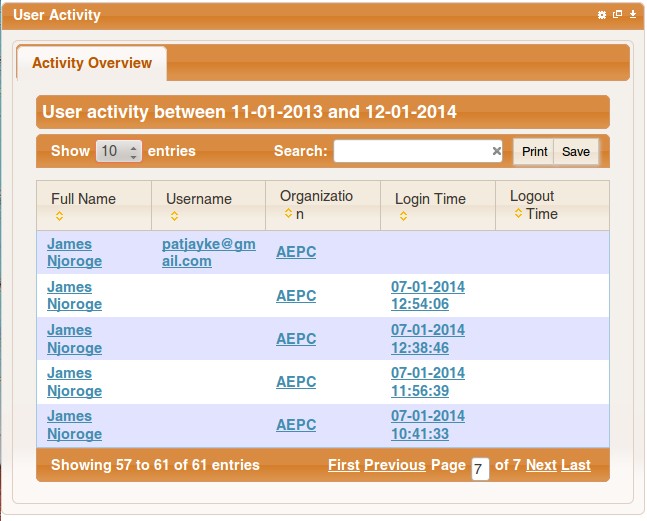
Application Name column is only visible when the Widget is maximized.
To view more details about any user, click on an entry from the table and you will be presented with a dialogue box that will contain information about the user in the first table and events / activities the user has been performing in the second table.
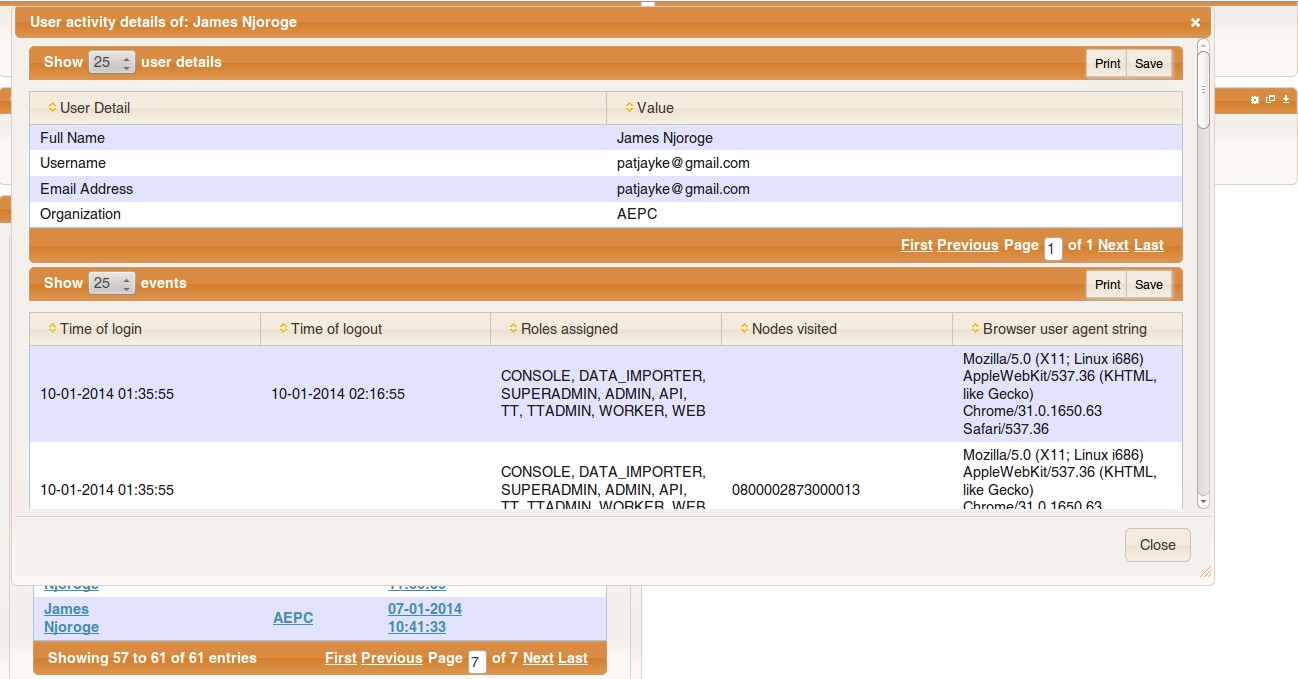
Widget configuration
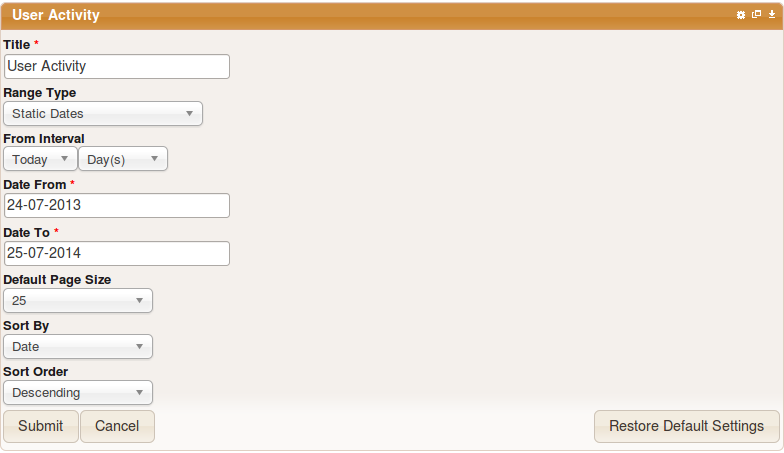
The widget a period of one year from the current day by default. To change this, click on the gear icon at the top right corner of the widget and you will presented with a form like the one shown below.
Option | Description |
|---|---|
Title | The name you would wish to call this widget. |
Range type | Allows you to select one of the following date types.
|
Date from / Date to | The date range from which you would wish view shipments. |
Default page size | The number events you want to display when the widget is loaded. |
Sort by | The column to use to sort the events when the widget is initially loaded. |
Sort order | The direction to use when sorting the events. It can be ascending or descending |
- Use the Restore Default Settings button to restore default widget settings