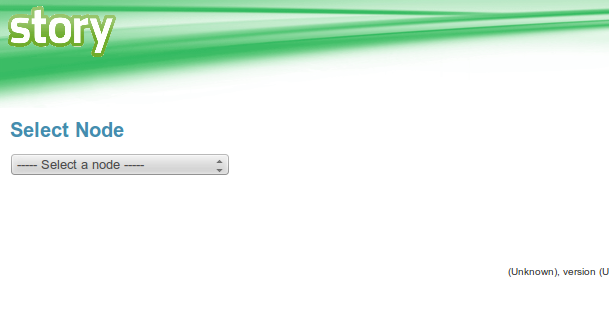
Once you login you will be presented with a drop down like the one shown below.
if the last used Node and dashboard is set then this page will be skipped and the dashboard page will be loaded with the last used node and dashboard
If the dashboard is not set then the default dashboard will be loaded.
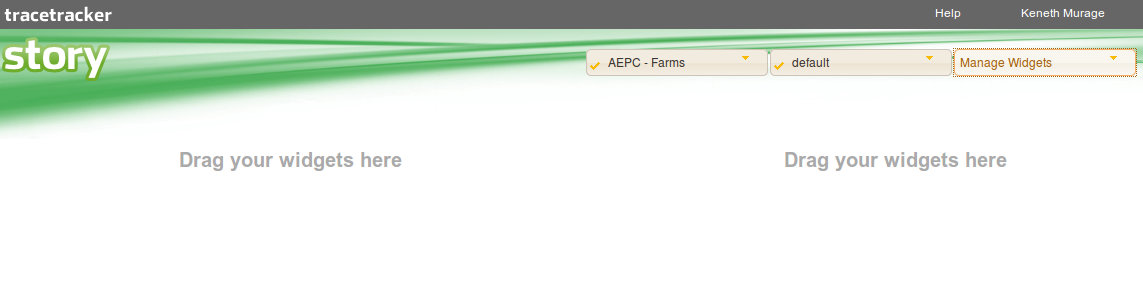
Once you have selected a node, your, the dashboard will be loaded as shown below:
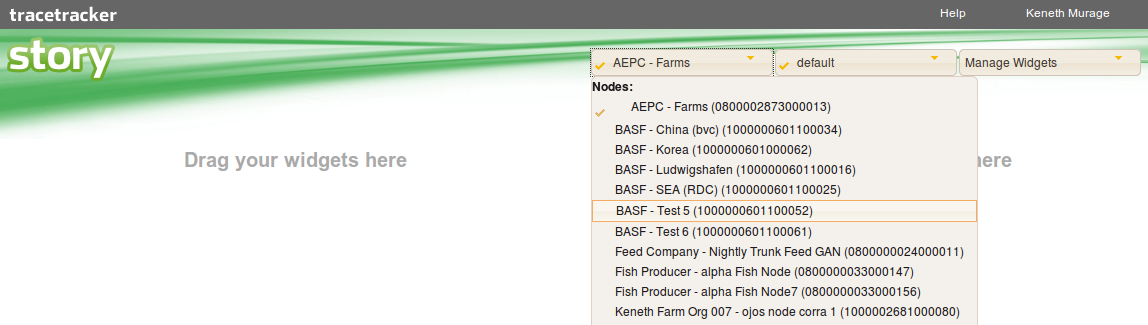
To select another node you can click the Change Node dropdown. A list of nodes appears, sorted and parenthesized.
Story has a feature that checks for the TIX/MDS version running. If the version running is less that what Story requires, then an error message is displayed as shown below: