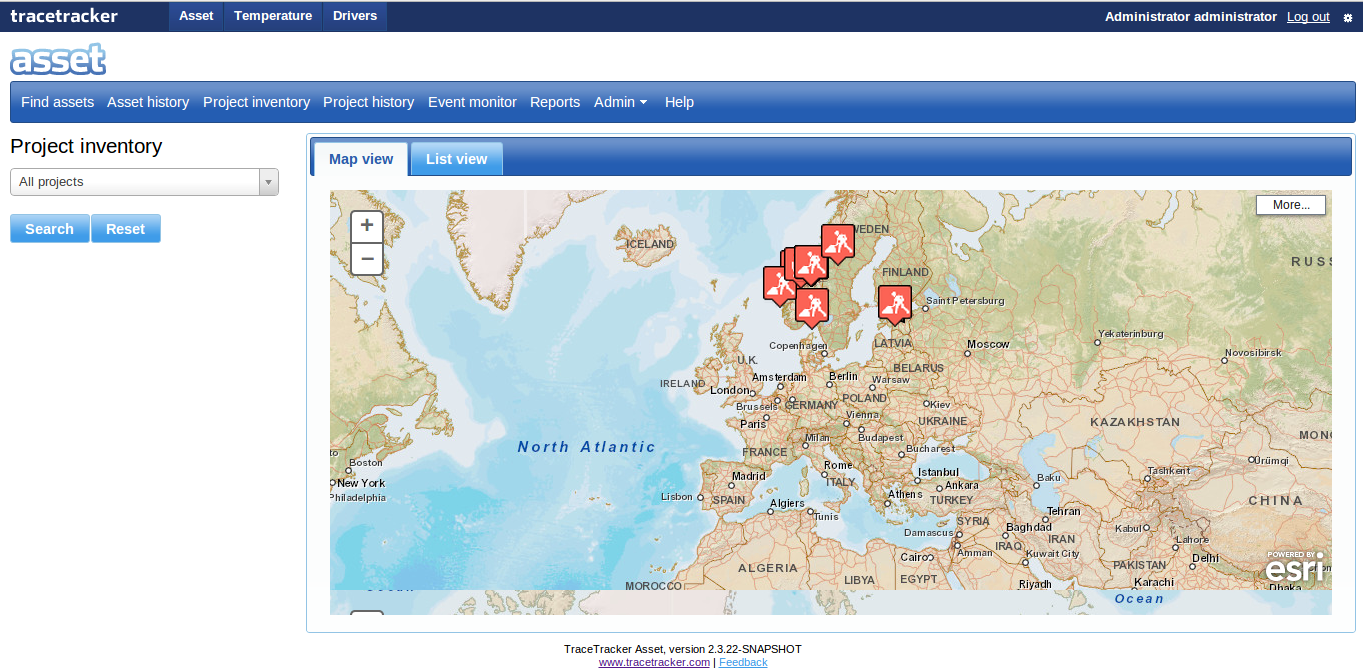
The project inventory is where a user can searches for a project, views the map of the project with the boundary of the geofence and clicks on a series of tabs to view the contents of containers and vehicles at that site. The user looks at the project inventories for various projects to identify what they have in stock.
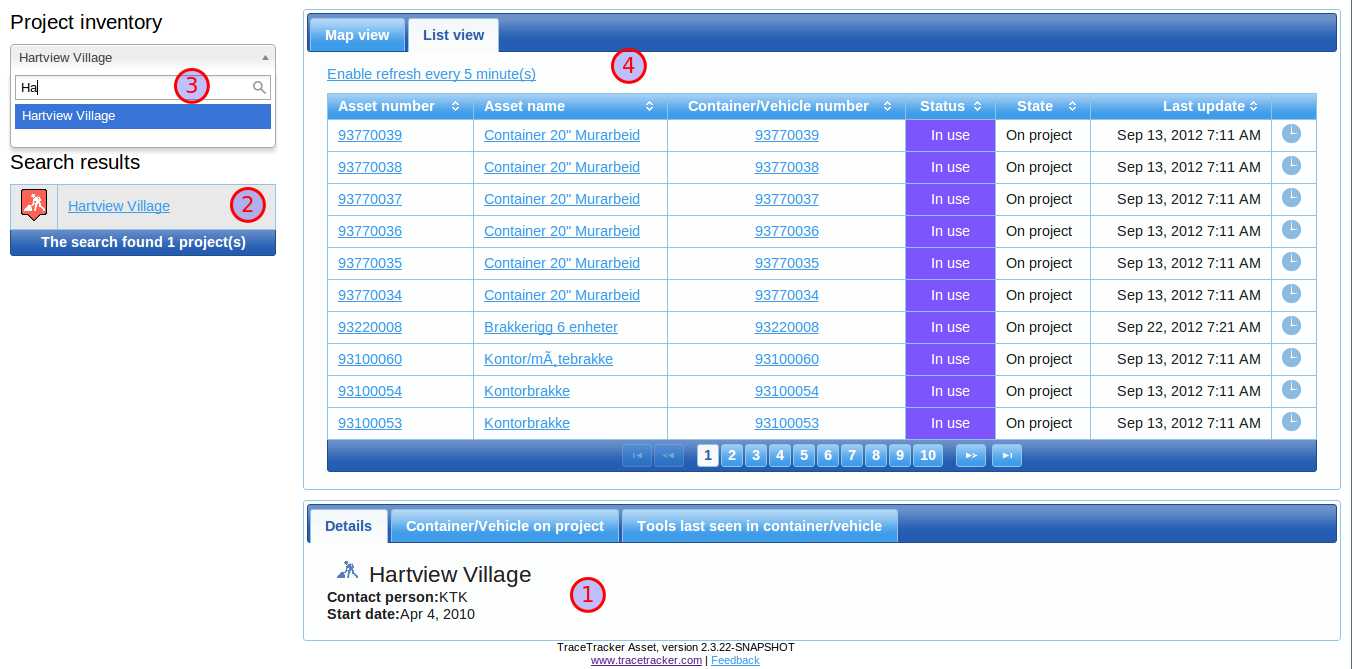
When a user enters the name of the project to search for a press’s the search button in the search form “A”, the contents of the project is shown in the standard “list view” as illustrated by “C”.
The columns are Asset number, Asset name, Container/Vehicle number, Status, State, last updated, and asset history. Asset history is a link. The list of projects on the left hand side shows just the name of the project.
AND the tabs across the “details” section consist of (left to right);
1. Detailed Views.
2. "Search Results"
3. Search box 4. “Containers/vehicles on project site”.