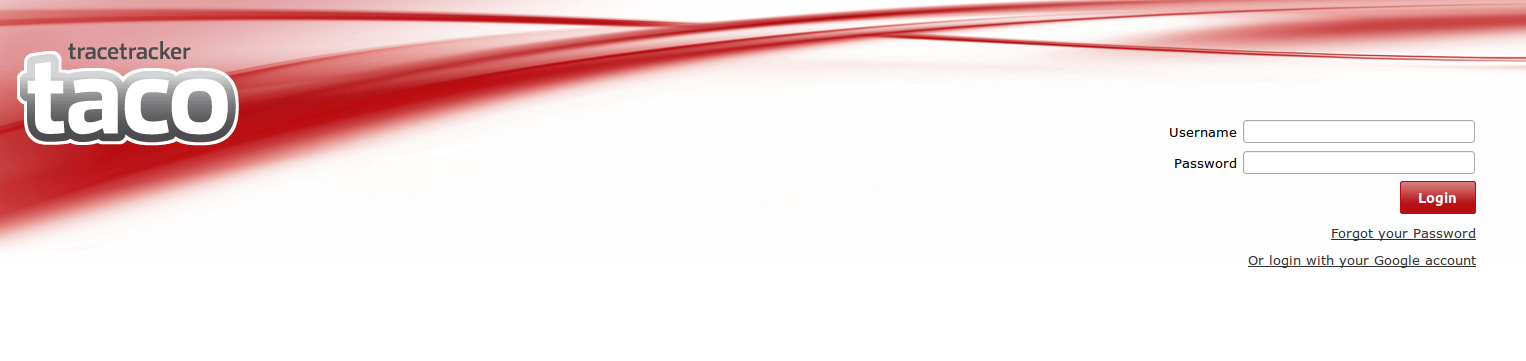
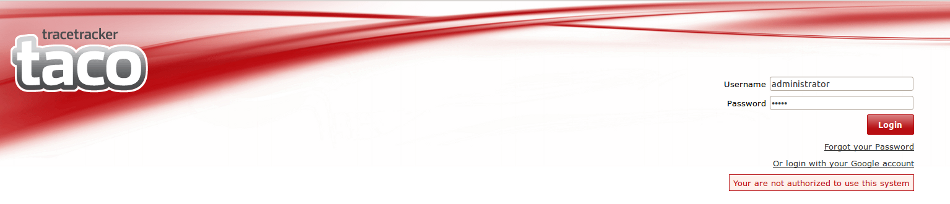
The Login page will always look like the Image below.The User enters his/her username and password and clicks Login button to be able to access the system.
The Login page has two links.
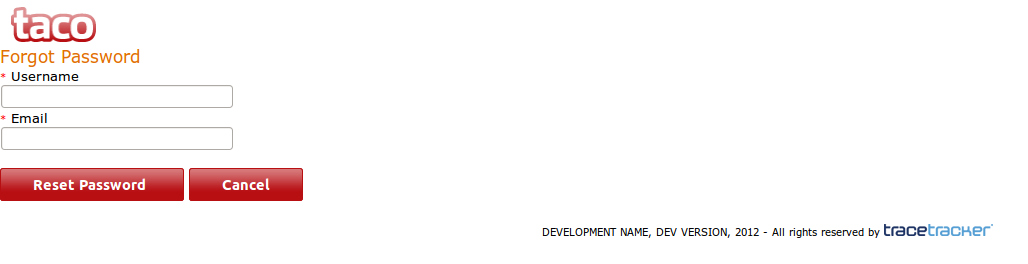
i) "Forgot your password" link which allows a user to reset his/her password.The reset password page looks like the one below.
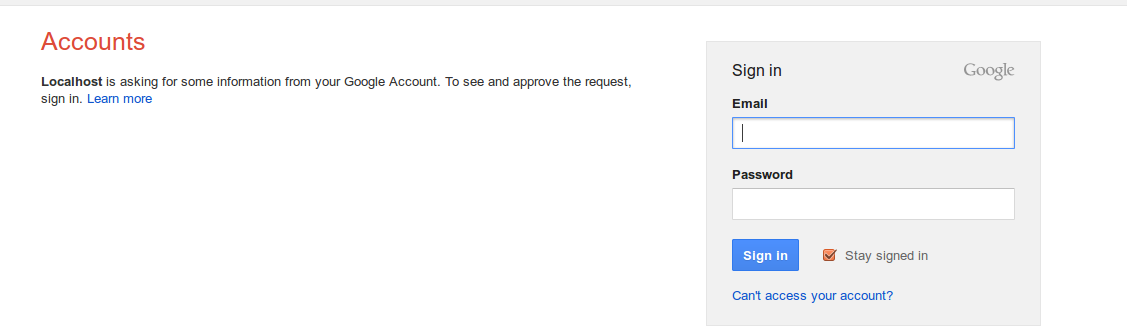
ii) "Login with you google account" link,which gives the user an option of login into the system using his/her registered gmail account.
NB/ Only gmail accounts registered by the owner of the system can access the system.
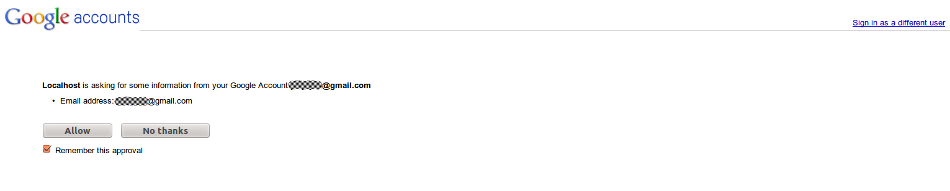
If you are already logged into Google, you will be prompted to share your email address with the TACO application, as shown below
Enabling *"Remember this approval"* will enable Google to share this information with TACO automatically every time you use the Google login option and you will be redirected to the landing page automatically.
If your account is not registered, you will be redirected to the login page, as shown below.