TACO Tour
Login Information
On subscription , a customer will be provided with a url to access TACO . In the default page, one is required to enter the user name and the password given. It is important for the user to note that the session timeout is currently set at 30 minutes. This is however configurable. The design is as below

Inside the TACO Application
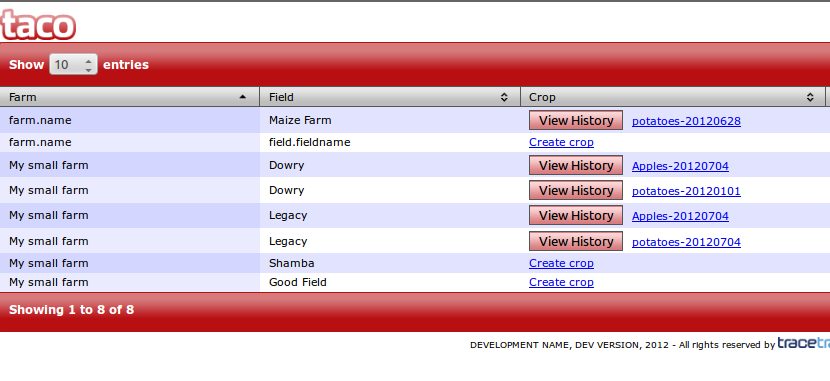
On successful log in the first page is the landing page.It shows the information list of the farm,field,crops grown, button to view history of the crops , button to create a new crop and a link to more functionality on every crop.
Create Crop
To create a crop,click on the link with a test "create crop", A form window opens where data regarding the crop is entered.click Submit button to store the entered data.
Grow Page
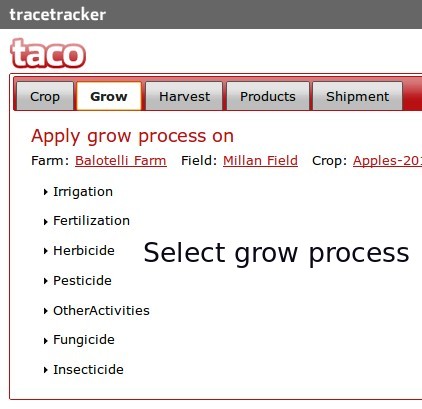
Describes all the farming activities performed to the crop.Below is a list of activities so far included in the system.
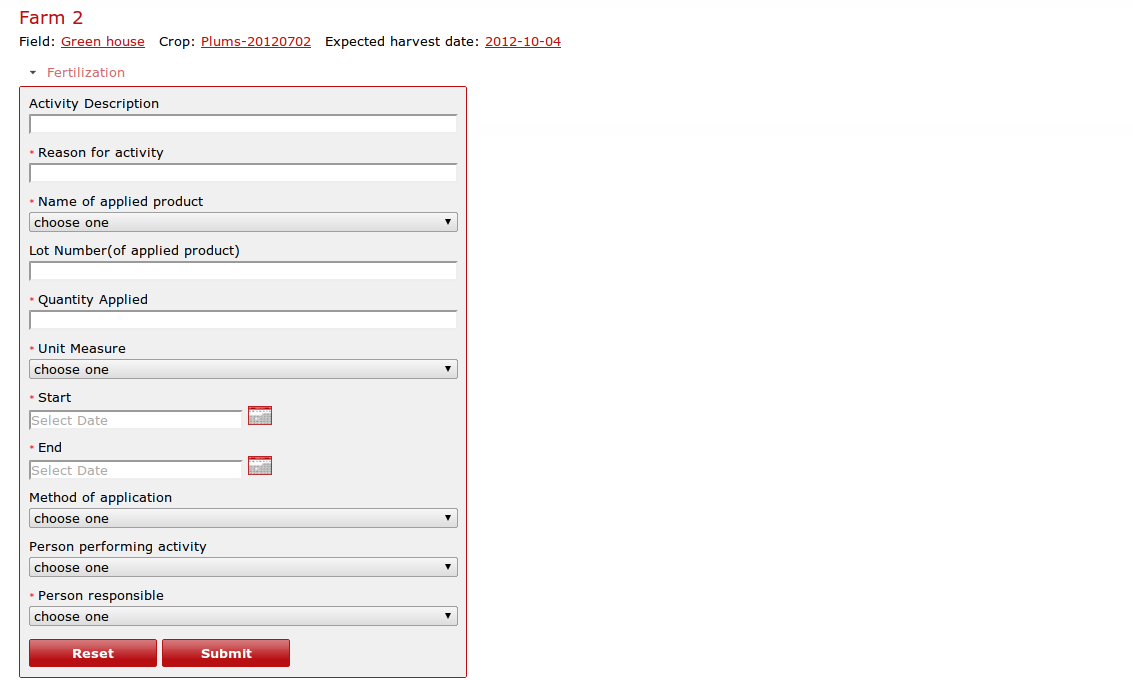
Fertilization page
Allows the user to enter the data describing the fertilization process.
Herbicide page
Allows the user to enter the data describing herbicide application process.
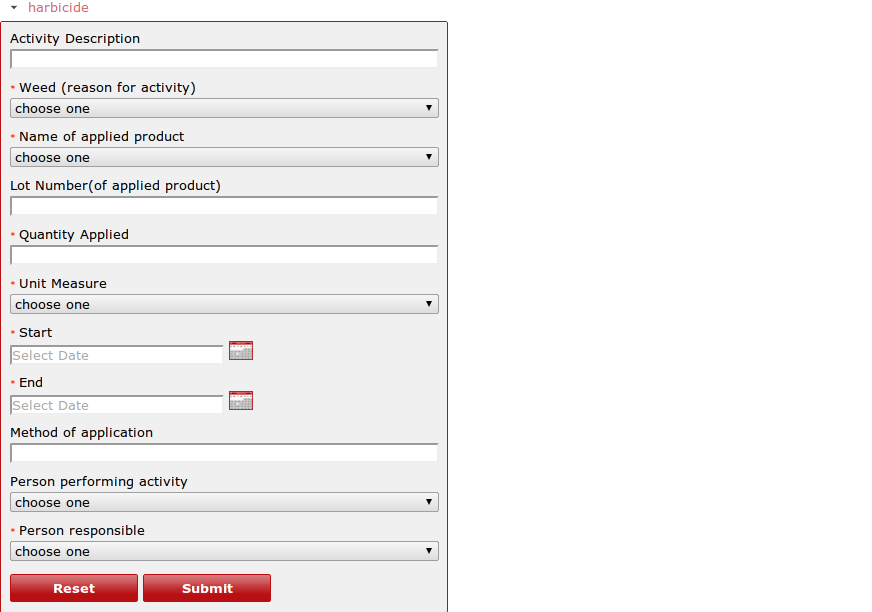
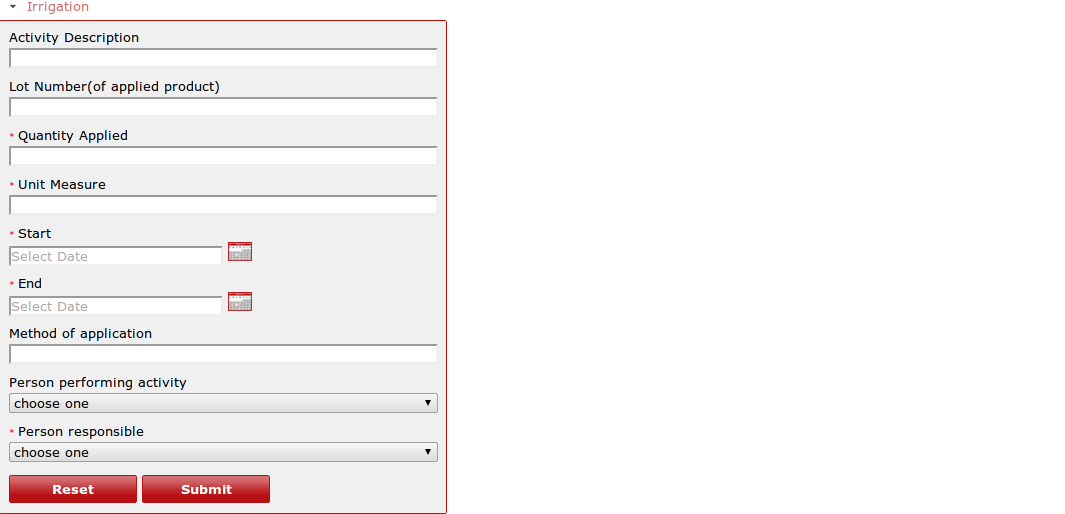
Irrigation page
Allows the user to enter the data describing the process of irrigation
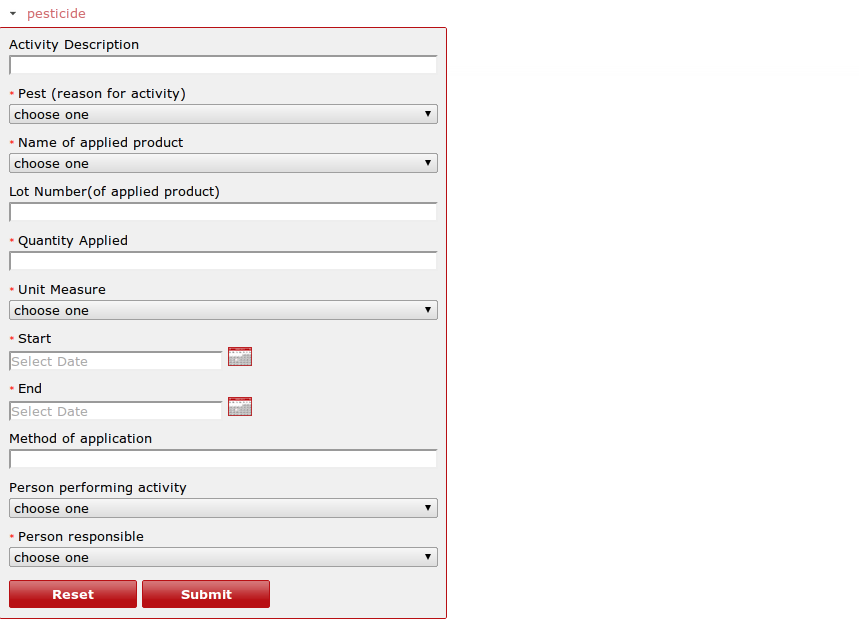
Pesticide page
Allows the user to enter the data describing pesticide application process.
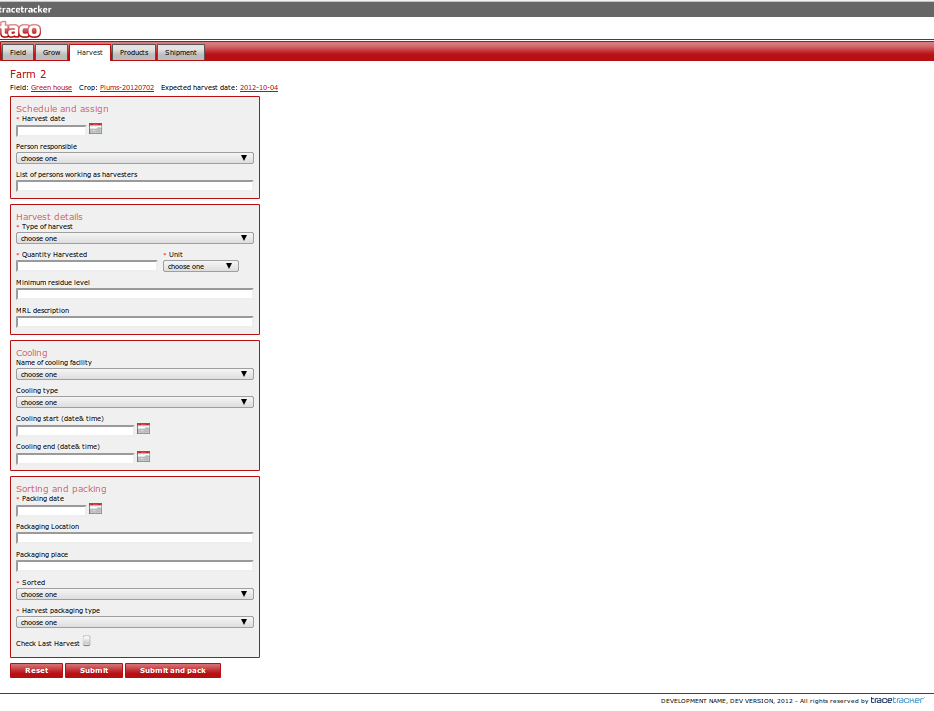
Harvest Page
This page describes the harvesting process, persons responsible for harvesting and the packaging information.A user enters the information to the form window as illustrated below.
Products Page
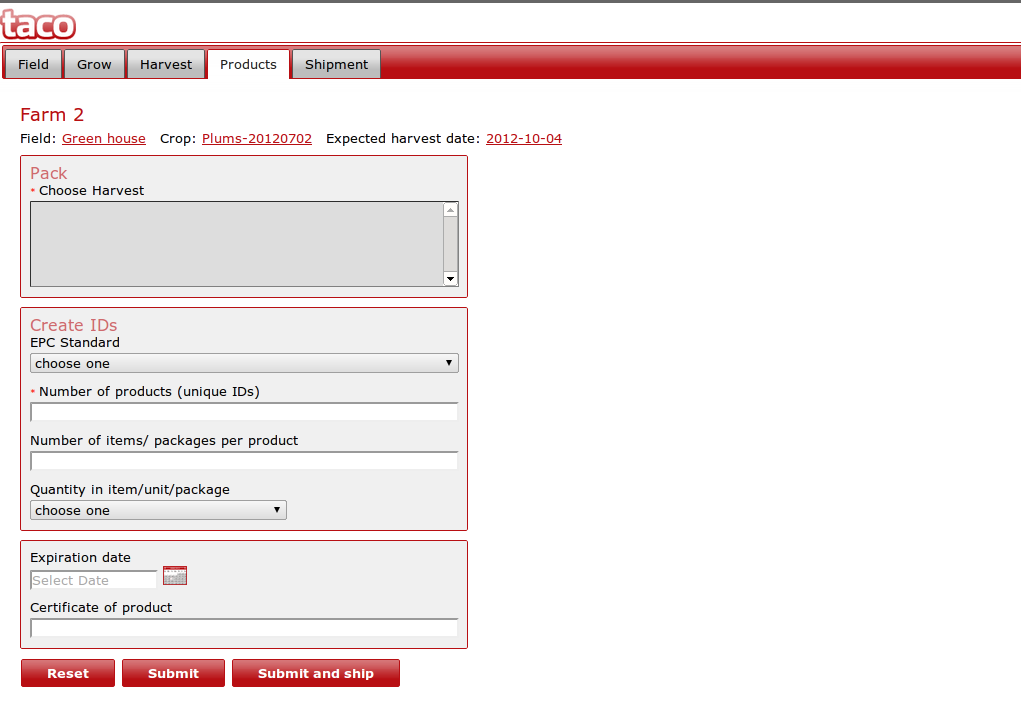
Products page is a description of the finished packaged ready to be taken to the ware house for shipment.
Descriptive data is entered into the form and and is stored in the data warehouse.
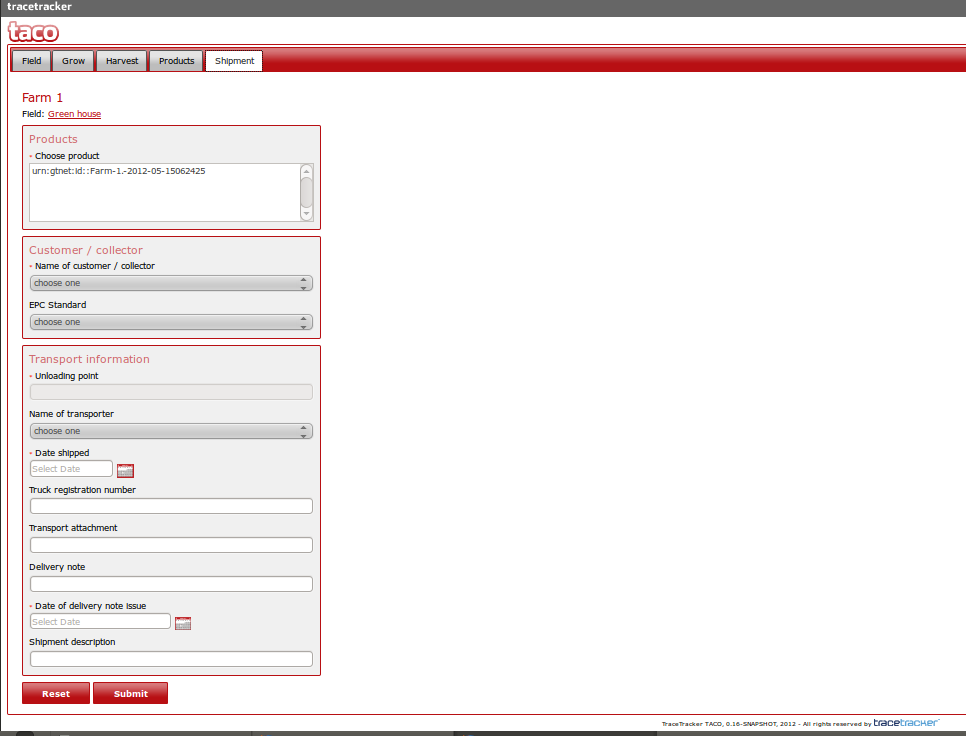
Shipment Page
This pages is rich of descriptive features of the products in the warehouse that is ready to be shipped to a customer, customer details and the transport details are entered into the system through the form window as illustrated below.