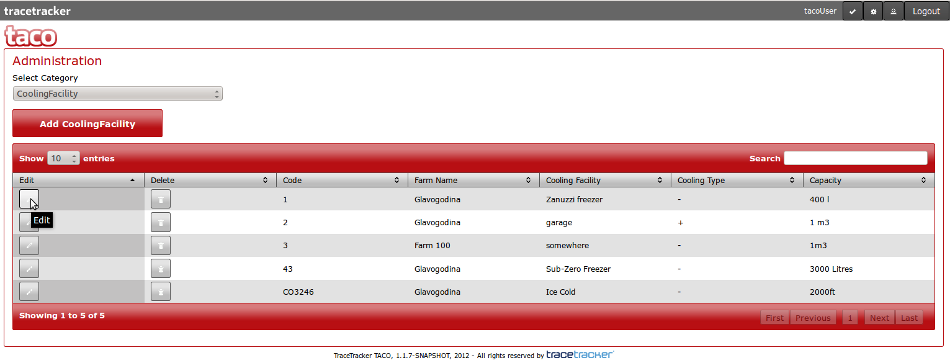
Once you have selected the category that contains the item you want to edit, click on the edit button on the left side of the table
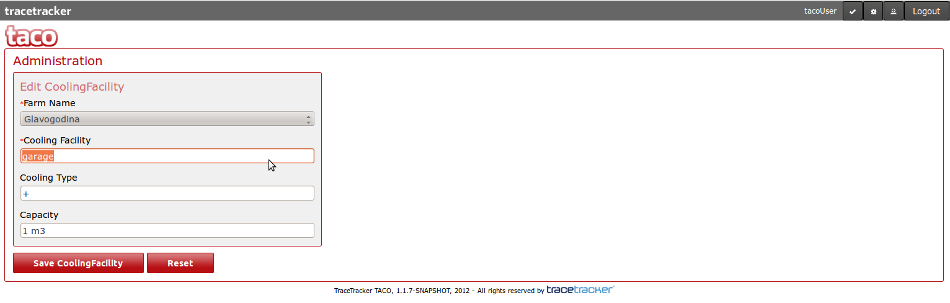
Once you click the edit button, you will be presented with a form which will allow you to modify the fields you want and save them.
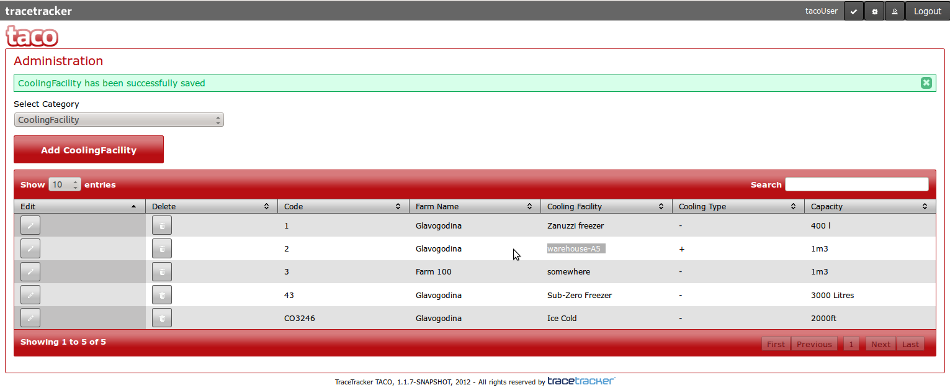
Once you finish editing and click on save, a message like the one shown below and the modified field(s) will contain new values.