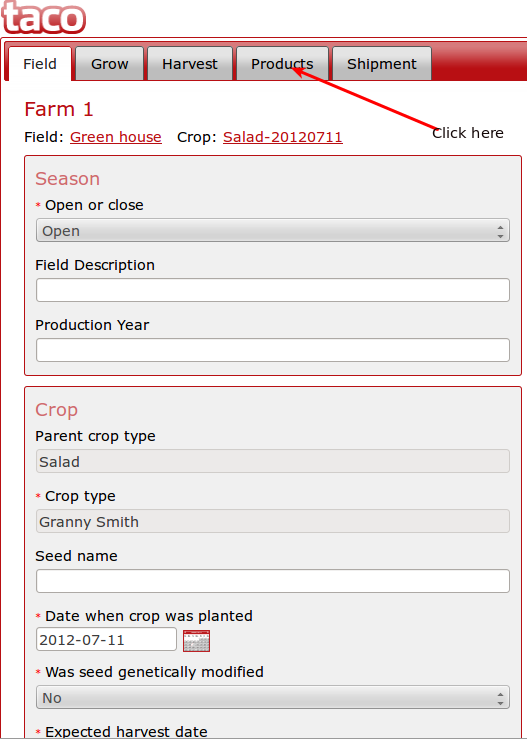
1)In order to create a product,after logging in you will be redirected to this page.
2)Clicking on a crop as shown with the arrow above should take you to this page.
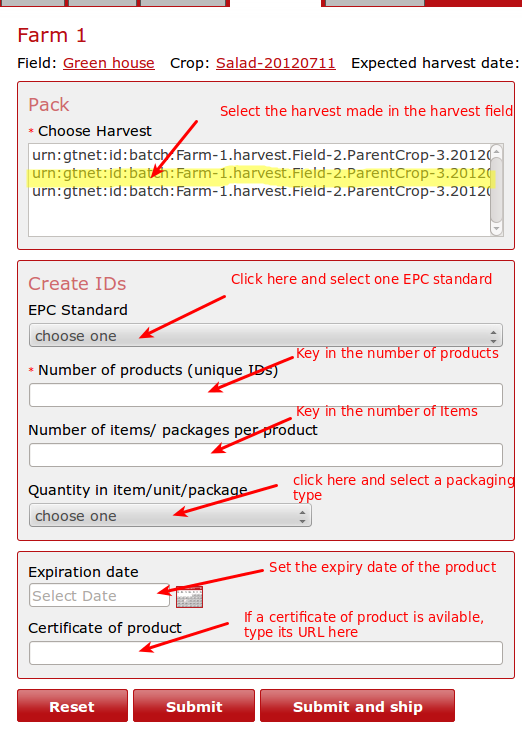
3)Follow the directive as shown by the arrow above(Click the products tab).You should be redirected to this page.Fill in the data and click the SUBMIT button.
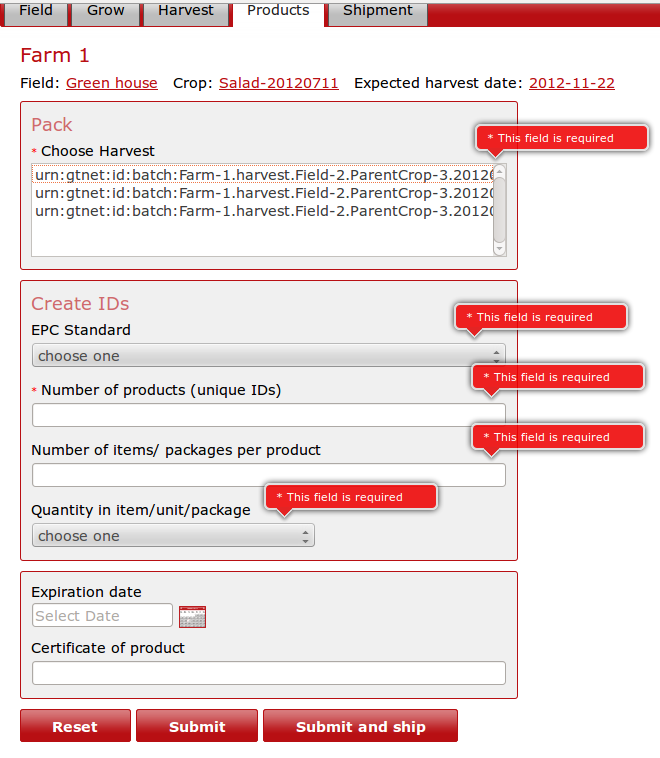
4) If you do not select or key in any value in the fields marked by a RED asterisk and click the submit button,you will get a validation error page resembling the below Image.
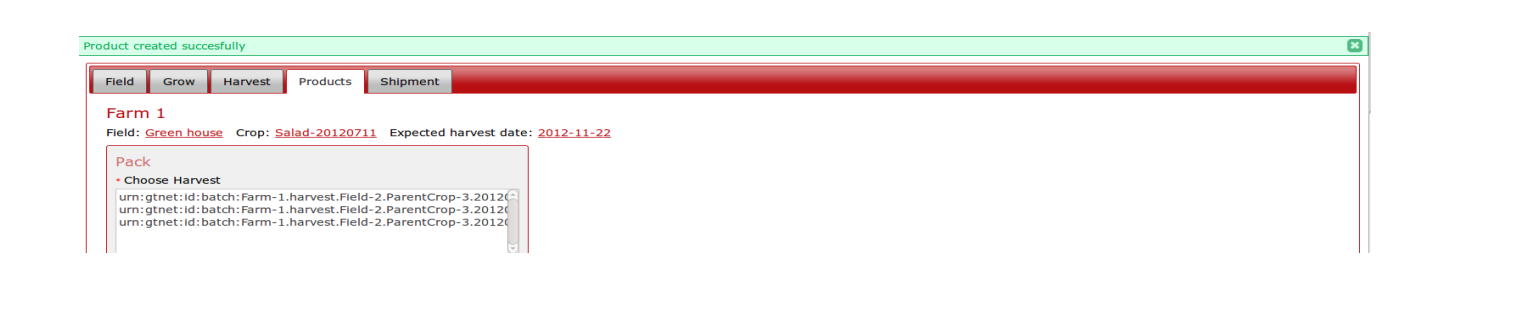
If everything has been done correctly,A success message like the one below should show.