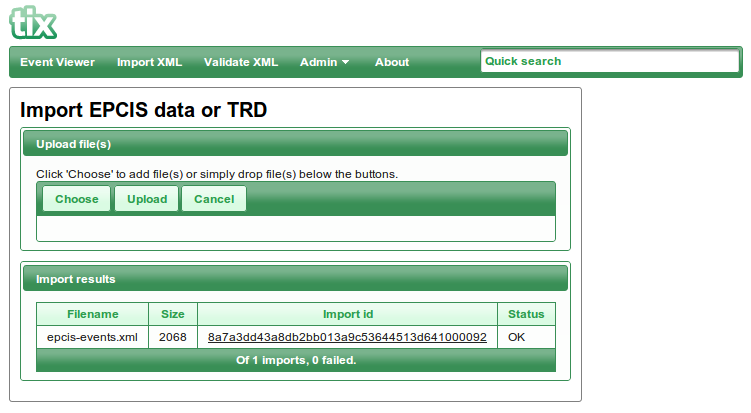
The “Import XML” page lets you import EPCIS event data from files.
Click the “Choose” button and select the file(s) that you want to upload and click the “Upload” button to start the upload, click Cancel to clear the list of files. The result of the import will be displayed in a table below the file uploader, you can click the "Import Id" if you wan't to check the status from the import.
You can import event data via the TIX API event endpoint. Read the API documentation for more information.
Importing invalid EPCIS data
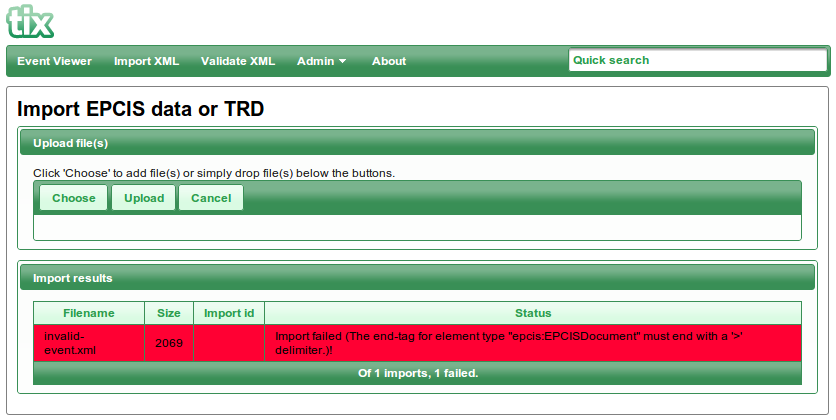
Upload of XML data that does not pass the validation will be displayed in the Import Result list with the status Failed in red, details of the error is displayed on the first row You can either click on the File Name or Import Id which will take you to the Import List from where you can download the failed file.
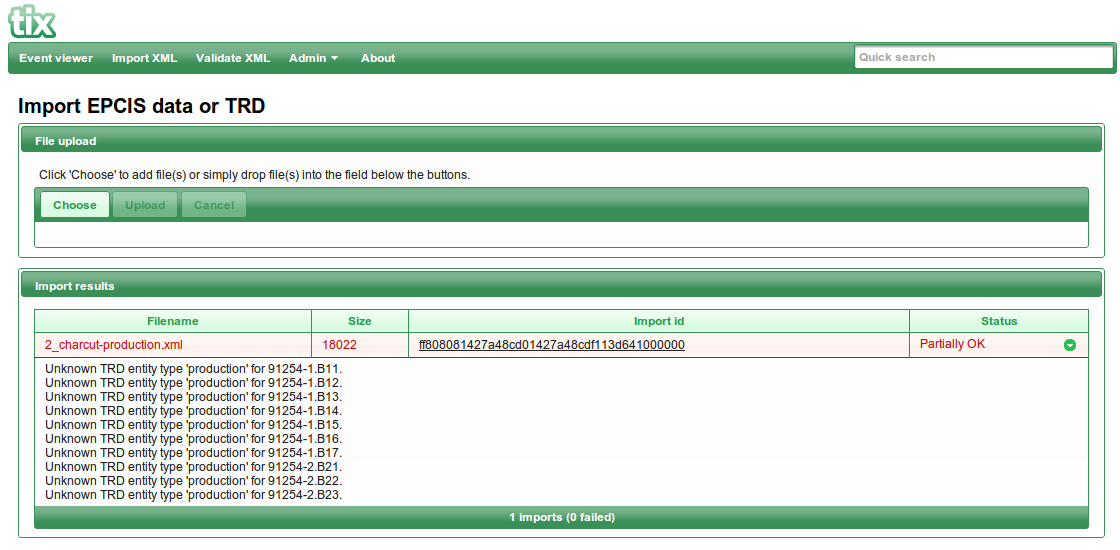
XML data that pass validation will be uploaded and converted to ttData. If there are issues with the conversion, the status of the imported file will be "Partially OK", and additional details may be displayed.