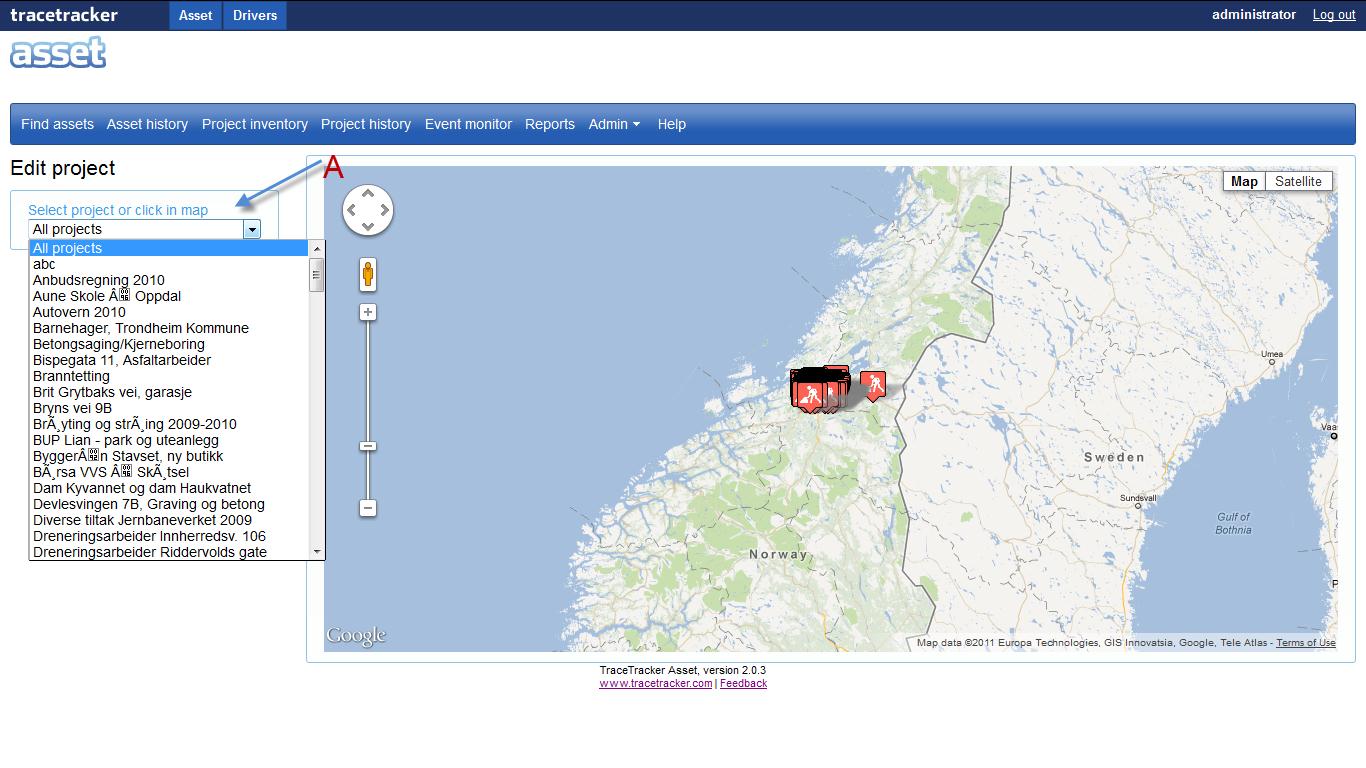
When you click on the “Edit project” sub menu the above page is loaded.
On the select project or click on the map drop down menu, the administrator selects the project that they want to edit.
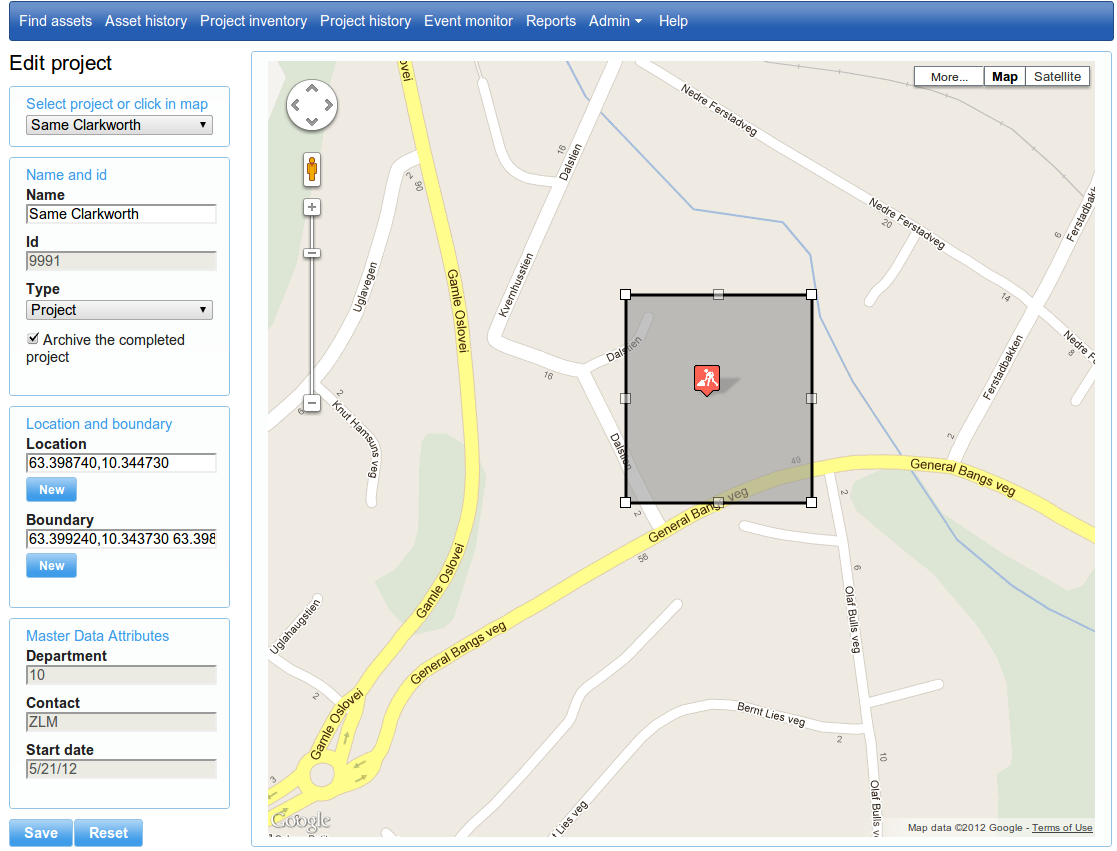
When a project is chosen from the drop down the above page is loaded with new sections to edit. You can in the page edit project name, type, location, boundary and any editable master data attributes. Archiving a project will remove the project from all search forms (project select list) and no new asset observation will be associated with the archived project.
Once the administrator is done making the changes, the “Save” button is pressed, it stores the changes made. While the “reset” button restores the page to its original state.