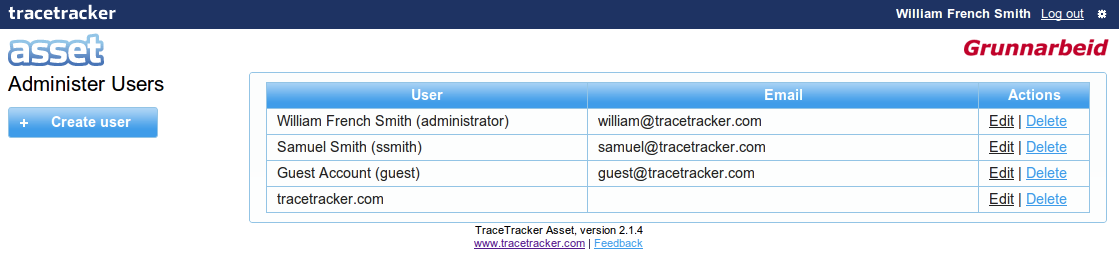
You can administer users from Admin → System → Administer Users FIG(2-list-users.png) shows all users available in Asset.
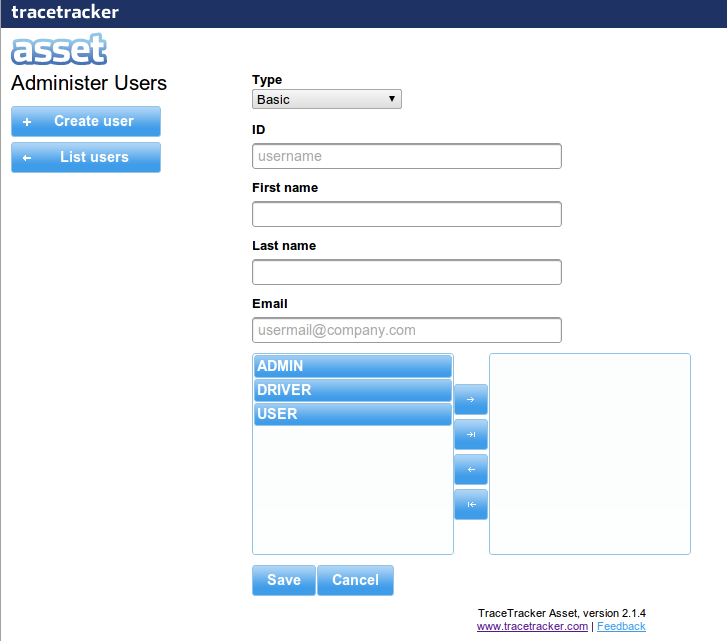
See FIG(3-create-user.png) for example on creating new user.
1. Select the user type
:Basic: a user with password
:Goggle: a user that will be authenticated by Google
:Google Domain: a user that will be authenticated by Google
2. Fill out the required inputs
3. A welcome mail will be sent to the new user if the user type is either Basic or Google
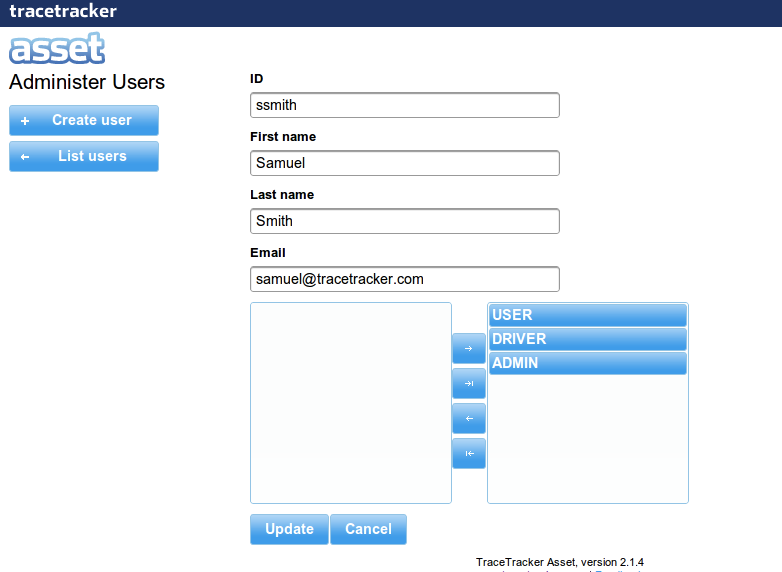
FIG(4_edit_user.png) show an example of editing a Basic user.
- Click edit on the user you want to edit
- Update the user
- Click save