Admin → Manage asset → Add new asset Select type of the asset instance you want to create. If such type doesn’t exist yet, follow the instructions for New product above.
Id — unique identifier
Tag — string that identifies RFID chip or GPS device.
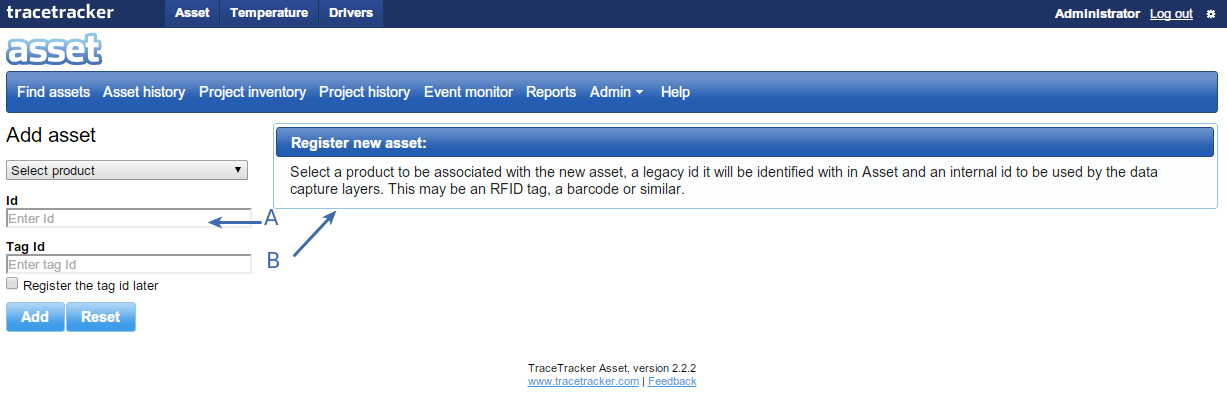
Click on the “Add Asset” sub menu and the below page is loaded.
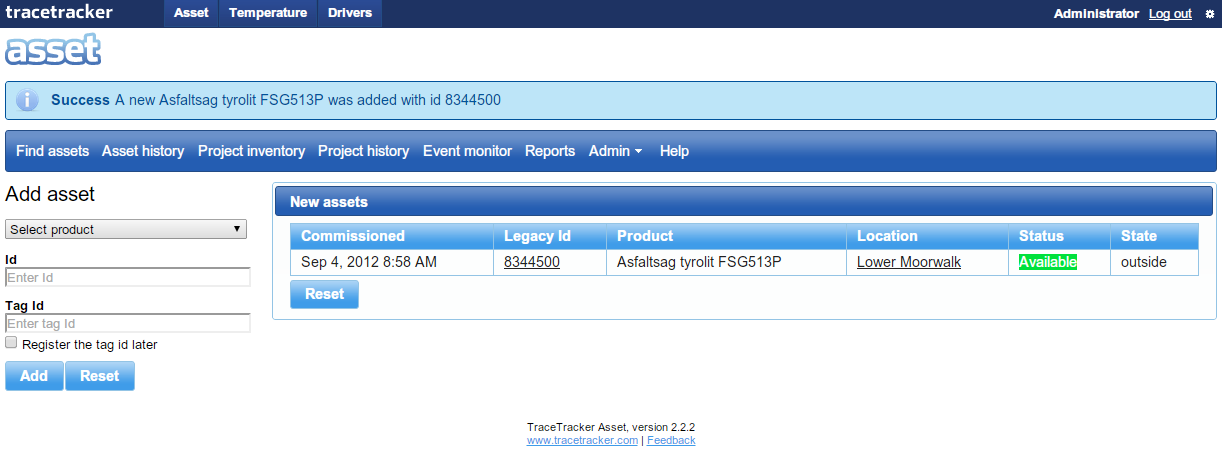
a. Section “A” is the form where a new asset is registered. b. Enter the Type of Asset, its Identification number and its Tag. You can skip entering a Tag by selecting the checkbox labeled "Register the tag id later". c. Press the “Add” button. The new asset is stored and the below page is loaded of the new asset. d. The “Reset” button restores the page to it previous state.
e. Section “B” New units, is where the new asset is displayed.